The 2-Hour Figma Mockup and how to build complex Polarion features in 1 week!
Stop writing boilerplate code from scratch. Learn how to combine Figma AI and GitHub Copilot to turn a vague Polarion feature idea into a fully documented release in just one person-week.

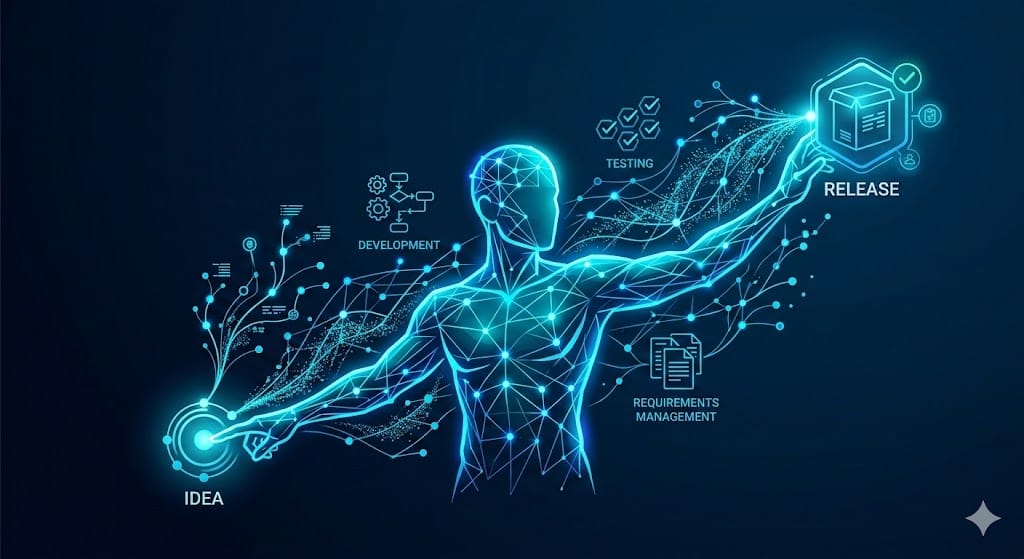
Have you ever spent days arguing over requirements or tweaking UI code for a Polarion widget, only to realize later that it doesn't solve the core problem? Or maybe you have a great idea, but writing the boilerplate code from scratch just feels like a massive waste of time?
I’ve been there. In the past, building a complex, custom feature for Polarion would easily take me three solid weeks. And even then, I’d often end up with pesky bugs or a complete lack of documentation because time ran out.
Recently, my entire development process has drastically changed. By combining Figma AI for rapid UI generation (and native code export!) with GitHub Copilot for execution, I no longer write everything from scratch. I am the creative head, the prompt engineer, and the decision-maker, while the AI does the heavy lifting.
The result? I can now take a complex Polarion feature from a vague idea to a fully documented, robust release in about one week.
The Workflow at a Glance:
- Uncover the Pain Point: Stop building what stakeholders say they want; understand what they need.
- Scope in Miro: Define Goal, In Scope, and Out of Scope visually.
- Figma Mockups: Turn ideas into clickable UI concepts in under 2 hours.
- Export to Master Plan: Generate code directly from Figma and feed it into Copilot.
- AI Pair Programming: Let Copilot execute the plan while you review and steer.
- Polish & Document: Refactor, check SonarQube, and write documentation.
Let’s break down exactly how this works in practice.
Step 1: Uncover the Real Pain Point
Everything starts with understanding the core problem. In the Polarion world, it’s rarely about treating superficial symptoms; it’s about finding a sustainable solution.
Often, a stakeholder will approach you with a specific technical request: "I need a new report." My advice? Take a step back. Put their proposed solution aside for a moment. Ask yourself: What are they actually trying to achieve? Sometimes, the quick cry for a new widget masks a deeply flawed, overly complex background process. Understand the why before you design the how.

Step 2: Ideation and Scoping (The Miro Board)
Once I truly understand the problem, I put myself in the user's shoes. Interestingly, I don’t start writing formal requirements right away. Usually, I already have a clear picture of a potential solution in my head.
I bundle these thoughts on a Miro board. Think of it as my rapid, visual creative repository. For every new feature, I create three distinct frames:
- Goal
- In Scope
- Out of Scope
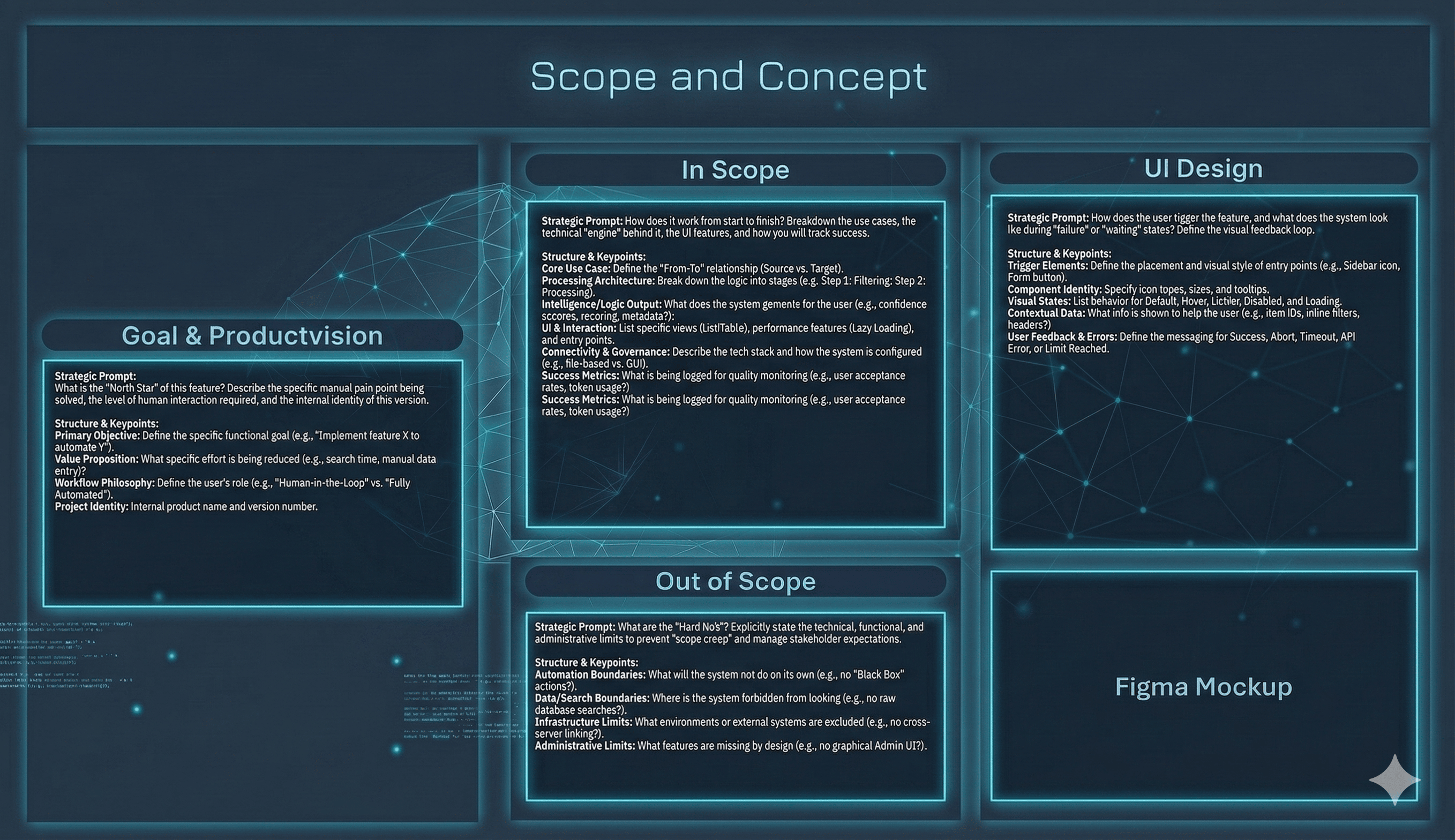
We haven't defined perfectly clean requirements yet, but this simple visual setup provides the exact working scope I need for my development package.
Step 3: Rapid Mockups with Figma AI (The 2-Hour Magic)
Armed with the scope and a technical vision, I use AI to draft a UI concept. The goal here is to describe the UI elements and document my design decisions. I then take this concept into Figma to generate a UI mockup.
The speed at which I can transition from an idea in my head to a visual mockup I can discuss with stakeholders is an absolute game-changer. Steps 2 and 3 usually cost me about 30 minutes to 2 hours.
Pro-Tip for Rapid Mockups (The UI Rebuild Trick):
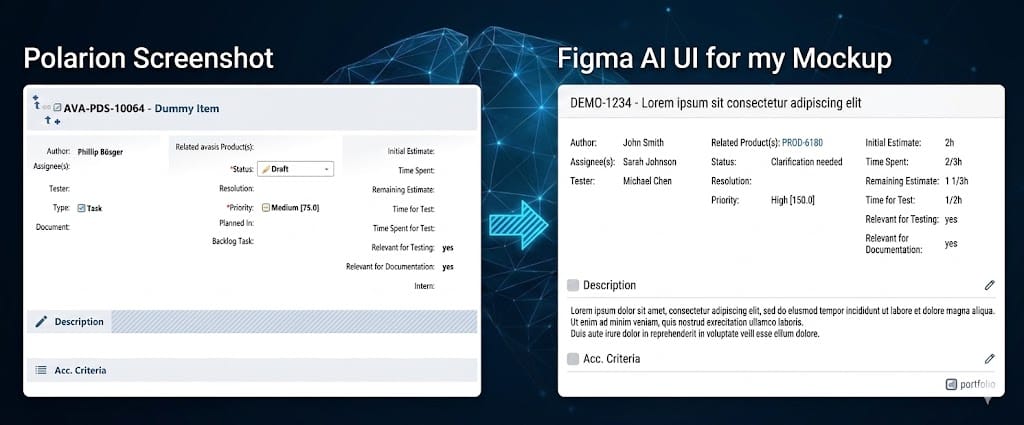
In a recent development, I needed to modify an existing Polarion UI using HTML injection. Instead of building it from scratch, I took a screenshot of the standard Polarion UI, copied the underlying HTML code from the browser, and fed both into the AI along with my design input.
The result? A rapid mockup where Polarion was instantly recognizable. The feature was not only clickable and showcased the JS functions using dummy data! It’s still a mockup, but it forms an incredibly solid, stakeholder-approved foundation for development.
Step 4: From Mockup to Master Plan (VS Code & Copilot)
The beauty of the Figma mockup is that it’s not just a pretty picture; Figma natively offers code export.
Side note: I get along perfectly fine with the free Figma tier—there is absolutely no need to pay right away to get these amazing results!
Now I have my Goal, Scope, UI descriptions, the visual mockup, and the initial code. I combine all of this into one massive prompt, create a new repository (or branch), and ask the AI to generate a Development Plan.
Crucial Tip: Especially for complex plans, always explicitly instruct the AI to ask clarifying questions if anything is ambiguous. If you don't, it will make assumptions and overlook vital details.
I review this plan, and then I let the AI execute it. By the end of this phase, I usually have a 60–80% finished solution. I provide the Copilot workspace with as much context as possible (e.g., dependent plugins, helper functions, Polarion SVN configurations).
Step 5: Refine, Expand, and Human-AI Pair Programming
Now comes the iteration phase. I work in constant cooperation with the AI, assigning a large portion of the actual coding as tasks.
However, I remain firmly in the driver's seat. I make the architectural decisions, review the implementation, and force corrections when I know a better technical approach exists. Honestly, with the current pace of technological progress, writing code entirely from scratch is obsolete in 95% of cases.
Step 6: Polish, Refactor, and Document
Once the feature is functionally complete, it's time to clean up. In the past, this step often fell victim to tight deadlines. Now, thanks to the time saved, I always deliver higher-quality, documented code. My typical checklist:
- Does Javadoc exist for everything?
- Are there any remaining SonarQube warnings?
- Are classes/methods too complex?
- Did the AI build custom functions where better native Polarion API methods already exist? (A very common AI trap!)
- Is everything thoroughly documented in the
README.md?
Summary
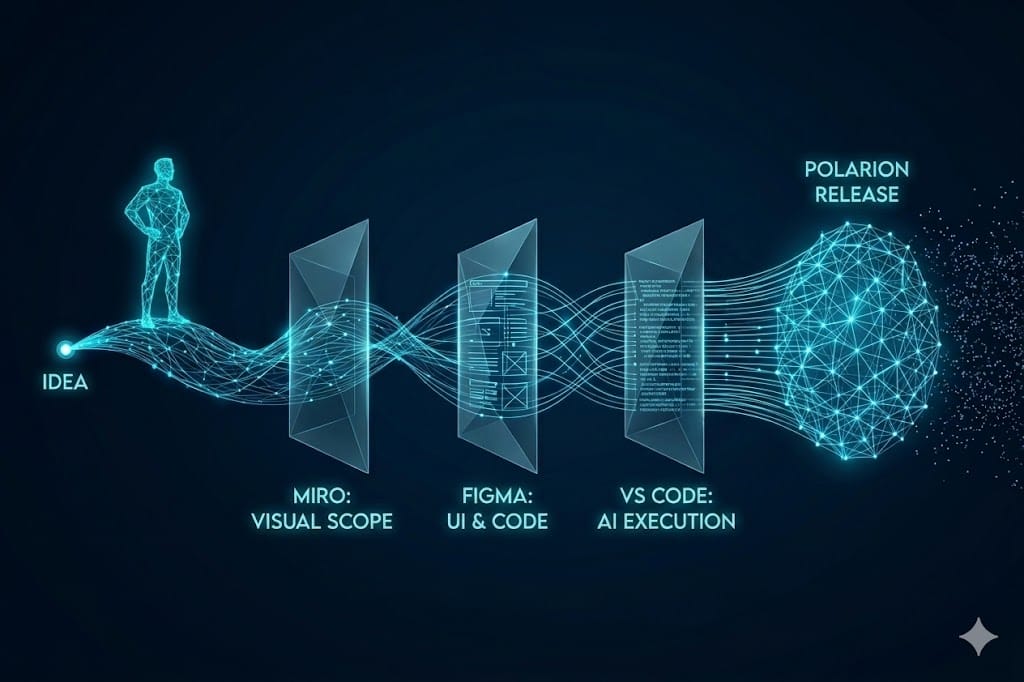
By leveraging this workflow, a feature that used to take me three weeks—often riddled with bugs and lacking documentation—is now fully implemented, polished, and ready to show in just one person-week.
The Road Ahead
While this process works beautifully, there is always room for improvement:
- Standardized LLM Prompts: Currently, I manage well by feeding the AI with examples from my previous developments. Building concrete, reusable prompts or "skills" is my next logical step to reduce manual input.
- Automated Testing: Thanks to my local setup with Docker and VS Code, deployment is fast. My next goal is expanding to a self-hosted cloud development instance using GitHub Actions to push builds and run Unit/UI tests automatically.
Over to You!
How does your development workflow look? Where and how do you use AI to achieve better, faster results in your Polarion environment? Which LLM provider do you currently prefer?
Let me know your thoughts in the comments!