Quick update: JDWP remote debugging in VS Code, done right for one or many plugins
Remote debugging a Polarion plugin over JDWP breaks the moment you open a second plugin in the same VS Code workspace. Here is why, and the two launch configs that handle both cases cleanly.

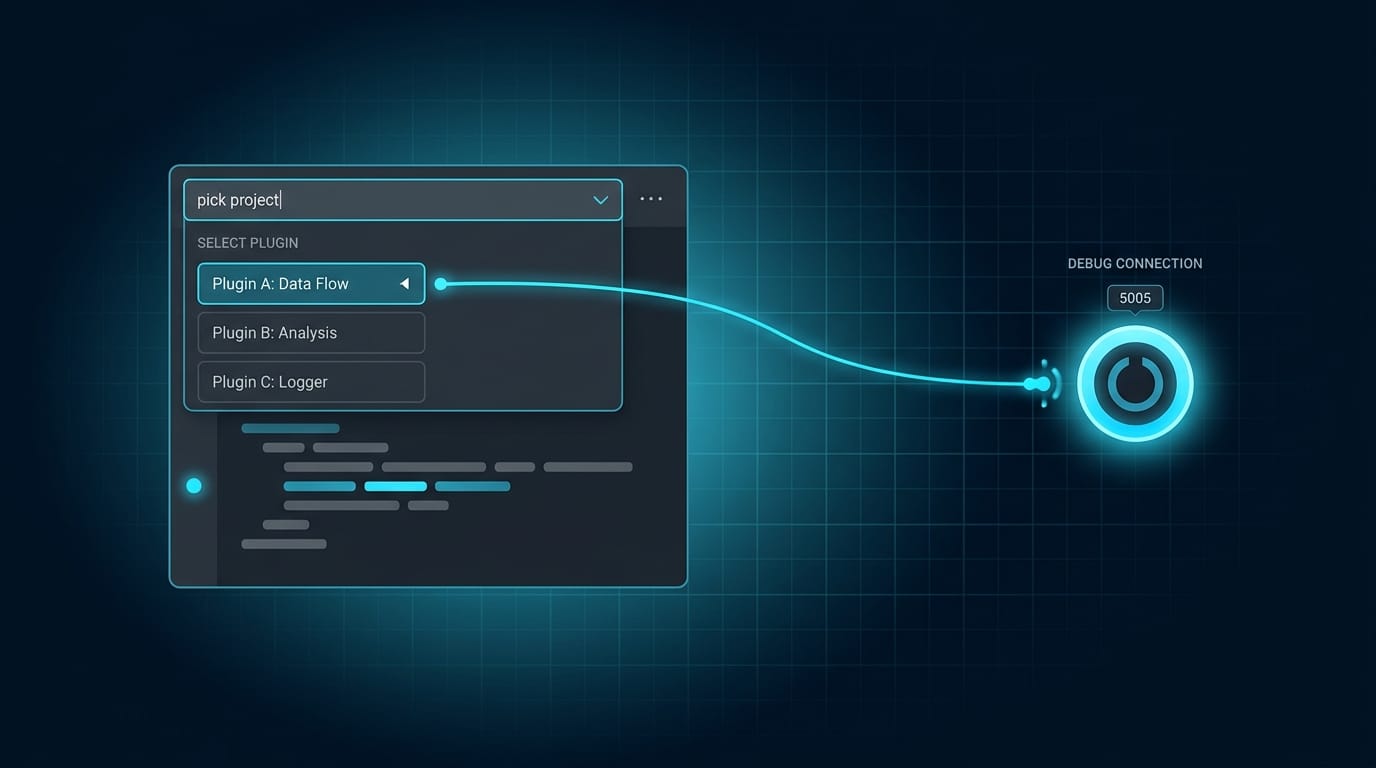
Small update to the docker repo, but one that removes a recurring paper cut. Remote debugging a Polarion plugin over JDWP works fine until you open a second plugin in the same VS Code workspace. Then you hit a breakpoint, try to inspect a variable, and get:
IllegalStateException: Cannot evaluate, please specify projectName
Here's why, and the two launch configs that now handle both cases cleanly.
Why it happens
The JVM in the container listens for the debugger on a single socket:
-agentlib:jdwp=transport=dt_socket,server=y,suspend=n,address=*:5005
That dt_socket transport takes exactly one debugger connection. You are never debugging several plugins at once. When you attach, VS Code talks to the whole Polarion JVM, and projectName only tells it which plugin's source and classpath to resolve breakpoints and Watches against. With one Java project open, there's one possible answer and it fills it in silently. With several open, it can't guess, so it throws. Not a Polarion quirk, it's the VS Code Java debugger (open upstream since 2020 as microsoft/vscode-java-debug#1197, no native "any project" option).
So the fix isn't a smarter fixed value. It's two configs: a bare one for the simple case, and one that asks.
Single plugin: attach and go
One plugin open means no projectName needed. Keep this config dumb and fast, it's the daily driver:
{
  "name": "Debug Polarion Plugin",
  "type": "java",
  "request": "attach",
  "hostName": "127.0.0.1",
  "port": 5005
}
Select it, press F5, you're attached. Logic changes inside methods hot-swap on save.
Multiple plugins: let it ask
Same config, one line different: projectName reads from an input that pops a dropdown of every pom.xml in the workspace, then resolves the real project name from the module's Maven <artifactId>, not the folder name.
{
  "name": "Debug Polarion Plugin (pick project)",
  "type": "java",
  "request": "attach",
  "hostName": "127.0.0.1",
  "port": 5005,
  "projectName": "${input:targetProject}"
}
👇 Try it now, the input that powers the picker
{
  "id": "targetProject",
  "type": "command",
  "command": "extension.commandvariable.transform",
  "args": {
    "text": "${fileContent:pomText}",
    "apply": [
      { "find": "<parent>[\\s\\S]*?</parent>", "replace": "" },
      { "find": "^[\\s\\S]*?<artifactId>([^<]+)</artifactId>[\\s\\S]*$", "replace": "$1" }
    ],
    "fileContent": {
      "pomText": {
        "fileName": "${pickFile:pomPick}",
        "pickFile": {
          "pomPick": {
            "include": "**/pom.xml",
            "exclude": "**/target/**",
            "fromWorkspace": true,
            "display": "relativePath"
          }
        }
      }
    }
  }
}
The one subtlety is the first find. A module pom usually lists the Maven parent's <artifactId> before its own, so grabbing the first match gives you the parent. Stripping the <parent>...</parent> block first leaves the module's real id, which is what the Java extension registers as the project name.
Press F5, pick your plugin from the dropdown, and that session resolves against exactly that plugin. Switch plugins by stopping and reattaching with a different pick.
ℹ️ The picker needs one extension. Theextension.commandvariable.transformcommand comes fromrioj7.command-variable, which the repo now recommends on clone via.vscode/extensions.json. Without it the picker fails silently. On Remote-SSH or Dev Containers, install it a second time in the remote context and run Developer: Reload Window once so its commands register.
Both, side by side
You don't choose one config or the other, both live together in the same .vscode/launch.json. VS Code lists them next to each other in the Run and Debug dropdown (grouped under "Polarion" via presentation), so you pick the bare one on single-plugin days and the picker one when a workspace fills up, without ever editing the file. Here is the complete config to drop in:
{
  "version": "0.2.0",
  "configurations": [
    {
      "name": "Debug Polarion Plugin",
      "type": "java",
      "request": "attach",
      "hostName": "127.0.0.1",
      "port": 5005,
      "presentation": { "group": "Polarion", "order": 1 }
    },
    {
      "name": "Debug Polarion Plugin (pick project)",
      "type": "java",
      "request": "attach",
      "hostName": "127.0.0.1",
      "port": 5005,
      "projectName": "${input:targetProject}",
      "presentation": { "group": "Polarion", "order": 2 }
    }
  ],
  "inputs": [
    {
      "id": "targetProject",
      "type": "command",
      "command": "extension.commandvariable.transform",
      "args": {
        "text": "${fileContent:pomText}",
        "apply": [
          { "find": "<parent>[\\s\\S]*?</parent>", "replace": "" },
          { "find": "^[\\s\\S]*?<artifactId>([^<]+)</artifactId>[\\s\\S]*$", "replace": "$1" }
        ],
        "fileContent": {
          "pomText": {
            "fileName": "${pickFile:pomPick}",
            "pickFile": {
              "pomPick": {
                "include": "**/pom.xml",
                "exclude": "**/target/**",
                "fromWorkspace": true,
                "display": "relativePath"
              }
            }
          }
        }
      }
    }
  ]
}
full example for your launch.json
That's it. A recurring cryptic error turned into a two-second dropdown.
👉 Configs and full dev setup: github.com/phillipboesger/polarion-docker