Say Less, Get More: Context and Session Management in Copilot
Copilot drifts in long sessions and quietly eats tokens. Here is how to manage context and sessions in VS Code: say less per prompt, keep your chats cacheable, and make project knowledge durable with skills and save hooks.


🎯 This week's goal: Give Copilot less input and still get reliably good output, both within a single prompt and across whole sessions.
In this article
- The session that quietly falls apart
- Half A — Context management: say little, get a lot
- Half B — Session management: efficient, durable chats
- The short version
The session that quietly falls apart
You know the moment. The first prompt is great. Copilot nails the Velocity widget, the structure is clean, you're flying. An hour and a half later, the same chat has lost the plot. It forgets a constraint you stated three times, it re-suggests an approach you already rejected, and you find yourself explaining the project context for the third time. By then you're honestly not sure whether you saved time or lost it.
That drift isn't you doing something wrong. It usually means a layer is missing: context engineering on one side, session design on the other. The good news is that both are learnable, and most of it is configuration you set up once and forget.
This post has two halves. The first is about saying as little as possible per prompt, so the tooling carries the context instead of your typing. The second is about keeping chats efficient and your knowledge alive from one session to the next.
But first, the big picture. Everything you and the tooling hand Copilot lands in one shared space, the context window, and so does the room it needs for its answer. Here's what competes for it in a single request.
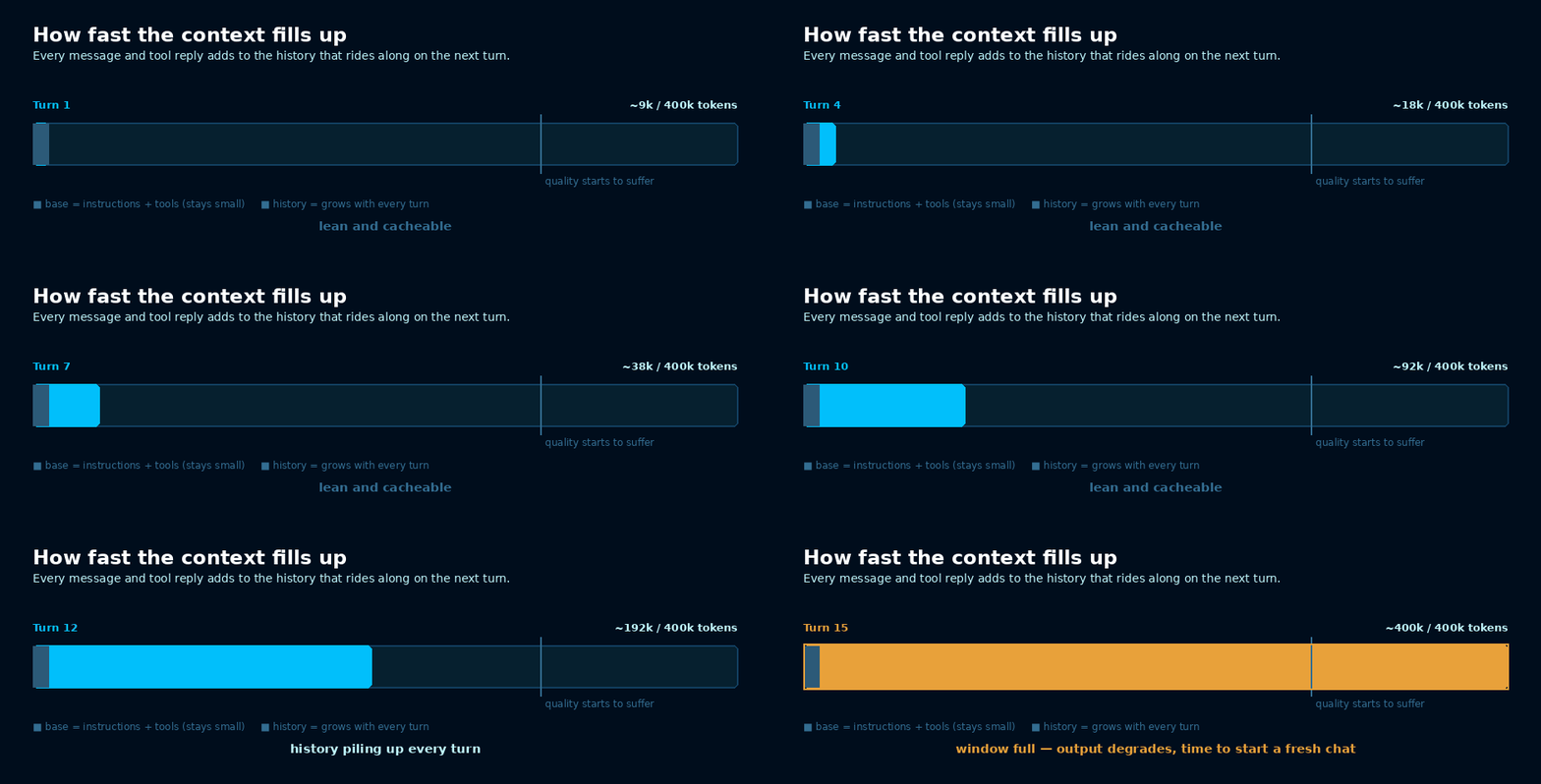
A well-managed request uses a fraction of the window and leaves the model plenty of room to think. The rest of this post is about keeping it that way.