Your Polarion Dev Toolkit: VS Code, GitHub Copilot & Docker — Zero to Ready
Session 0 — Foundation Setup This is the starting point for the AI-Enablement Coaching program. Before we touch any ticket, every machine needs the same baseline. This post walks you through exactly that.

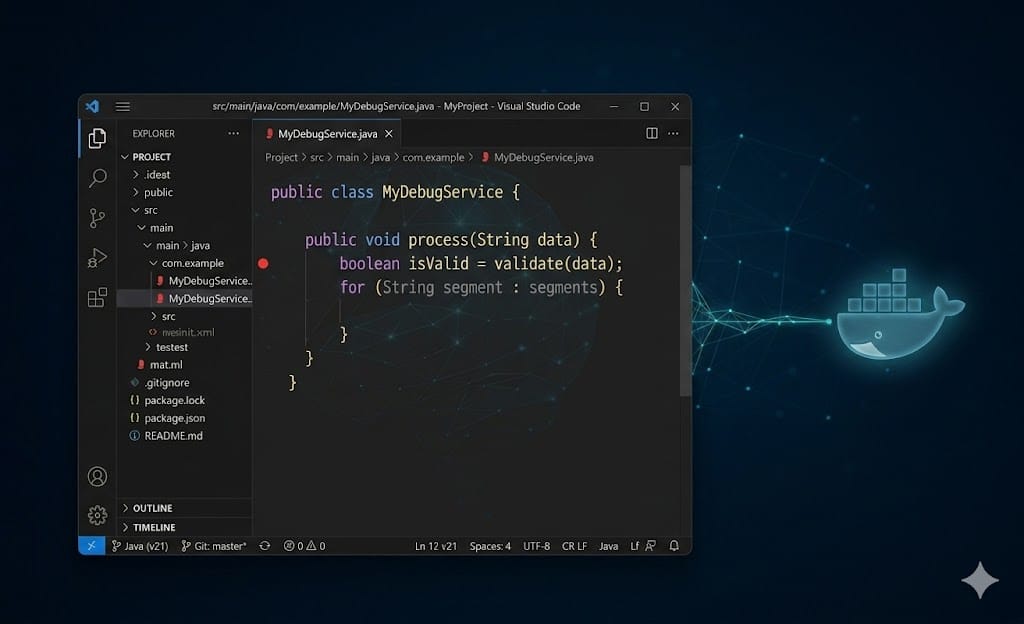
Table of Contents
- Before You Start: Prerequisites
- Part 1: Visual Studio Code
- Part 2: Docker for Polarion Development
- Checklist before the first session
Before You Start: Prerequisites
This caught us in the first real session — and it'll catch you too if you skip it.
Java, Maven, and SVN are not pre-installed on most developer machines, regardless of OS. They're the entire foundation of the stack. Without them, extensions will silently fail, builds won't run, and SVN source control won't show up at all. The error messages aren't always obvious — which is exactly why this took longer to debug than it should have.
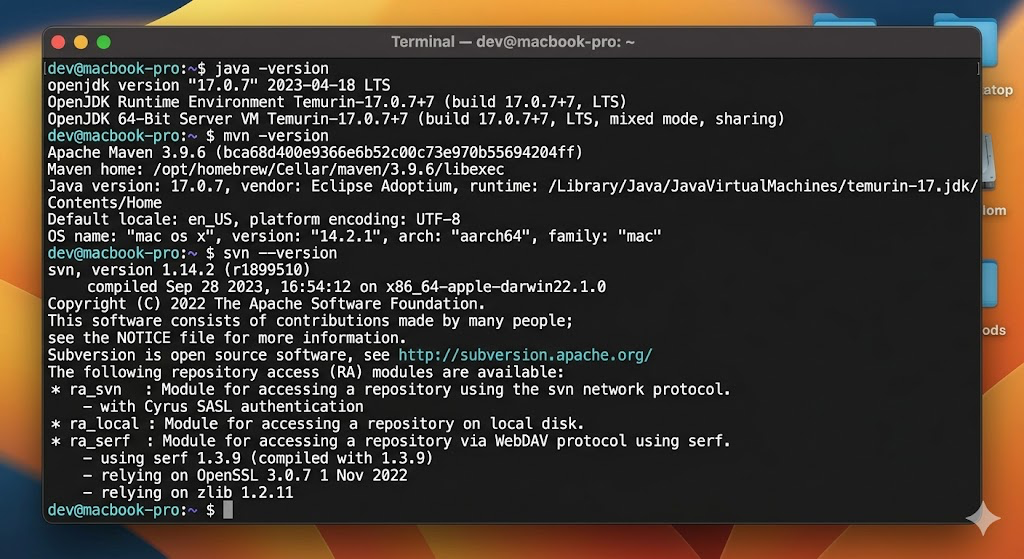
Verify these exist on your machine before touching anything else:
java -version
mvn -version
svn --version
All three should respond. If any of them don't, install the missing ones first:
- macOS:
brew install openjdk maven svn(afteropenjdk, run the symlink command Homebrew prints — otherwisejava -versionstill returns nothing) - Windows: Adoptium for Java, maven.apache.org for Maven, TortoiseSVN for SVN command-line. After installing Java and Maven, verify they're on your
PATH. Open a new PowerShell window and run the version commands above. If they're not found, add thebindirectories to your userPATHvia System Settings → Environment Variables. - Linux:
sudo apt install openjdk-21-jdk maven subversion(or equivalent for your distro)